
 English
 Bengali
11KKK Login — Sign In & Open Your Account Fast
Maybe a friend told you about 11KKK during the last cricket series, or you spotted it while browsing for slots, and now you're staring at the sign-in box wondering which button does what. Happens all the time.
Getting into your account takes about ten seconds once the layout clicks, and creating a fresh account isn't far behind. Here's the walkthrough, plain and simple.
🔑 How to Sign In to 11KKK
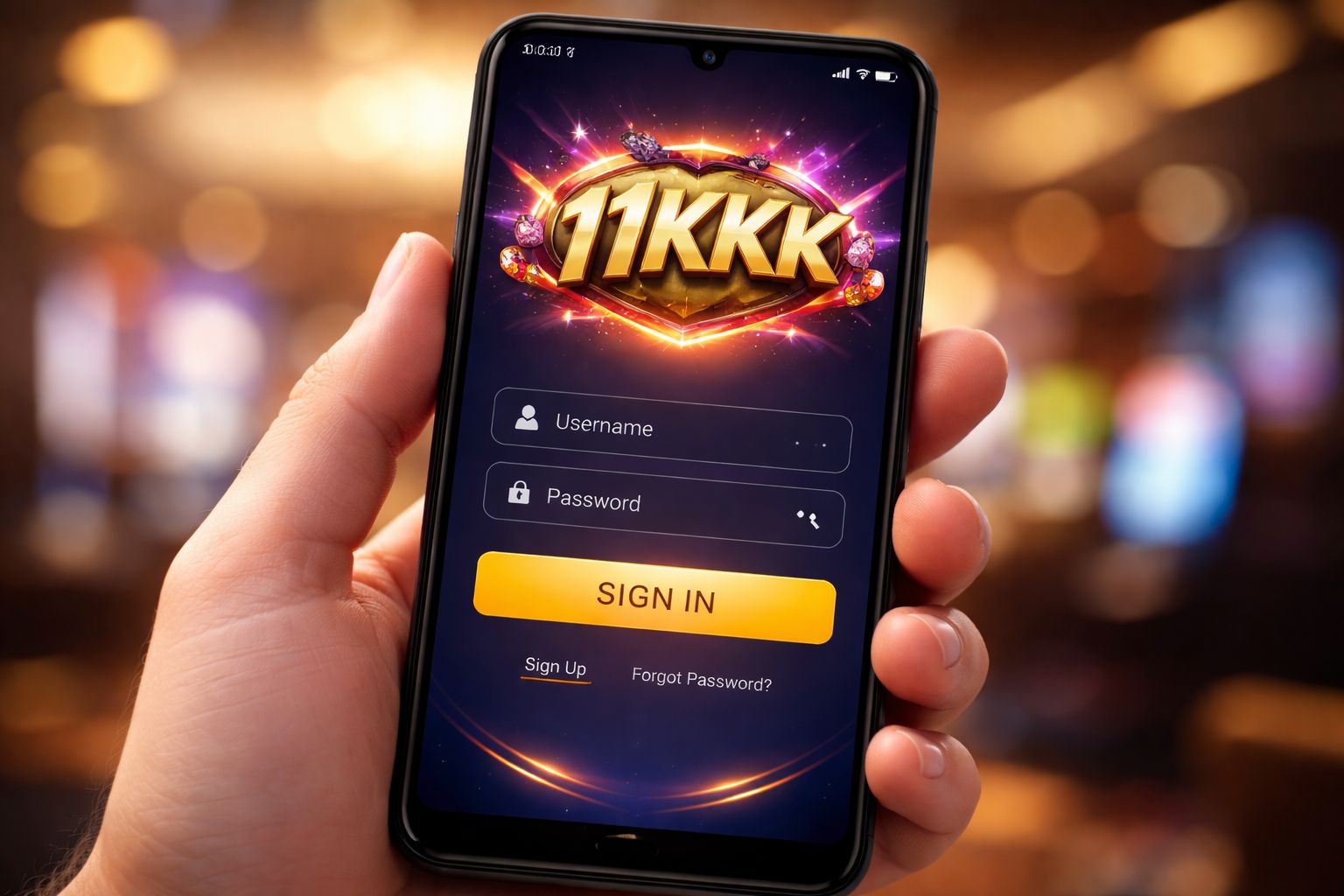
Load up the website or launch the app, glance at the top-right, and you'll spot the yellow Sign In button waiting there. Give it a tap.
Type in the username (or the phone number you registered) plus your password, tap confirm, and you're through the door. Nothing fancy.
Three ways to get in:
| Method | Requires | Average Speed |
|---|---|---|
| Username + password | Type them manually | ~10 sec |
| Mobile + password | Type them manually | ~10 sec |
| Biometric (app only) | Fingerprint or Face unlock | ~2 sec |
One thing folks slip up on: if you tapped sign in on a friend's phone or a computer at an internet café, make sure the "keep me signed in" box is unchecked. Small habit, big peace of mind.
Already registered and just need to jump into a session? Head over to the casino lobby after signing in and you're ready to play.
📝 Opening a Fresh Account
Never signed up before? The whole thing wraps up quickly and you'll only need:
- ✅ A working Bangladesh mobile number
- ✅ A payment wallet you actually top up (bKash, Nagad, or Rocket)
- ✅ 2 minutes of free time
Follow along:
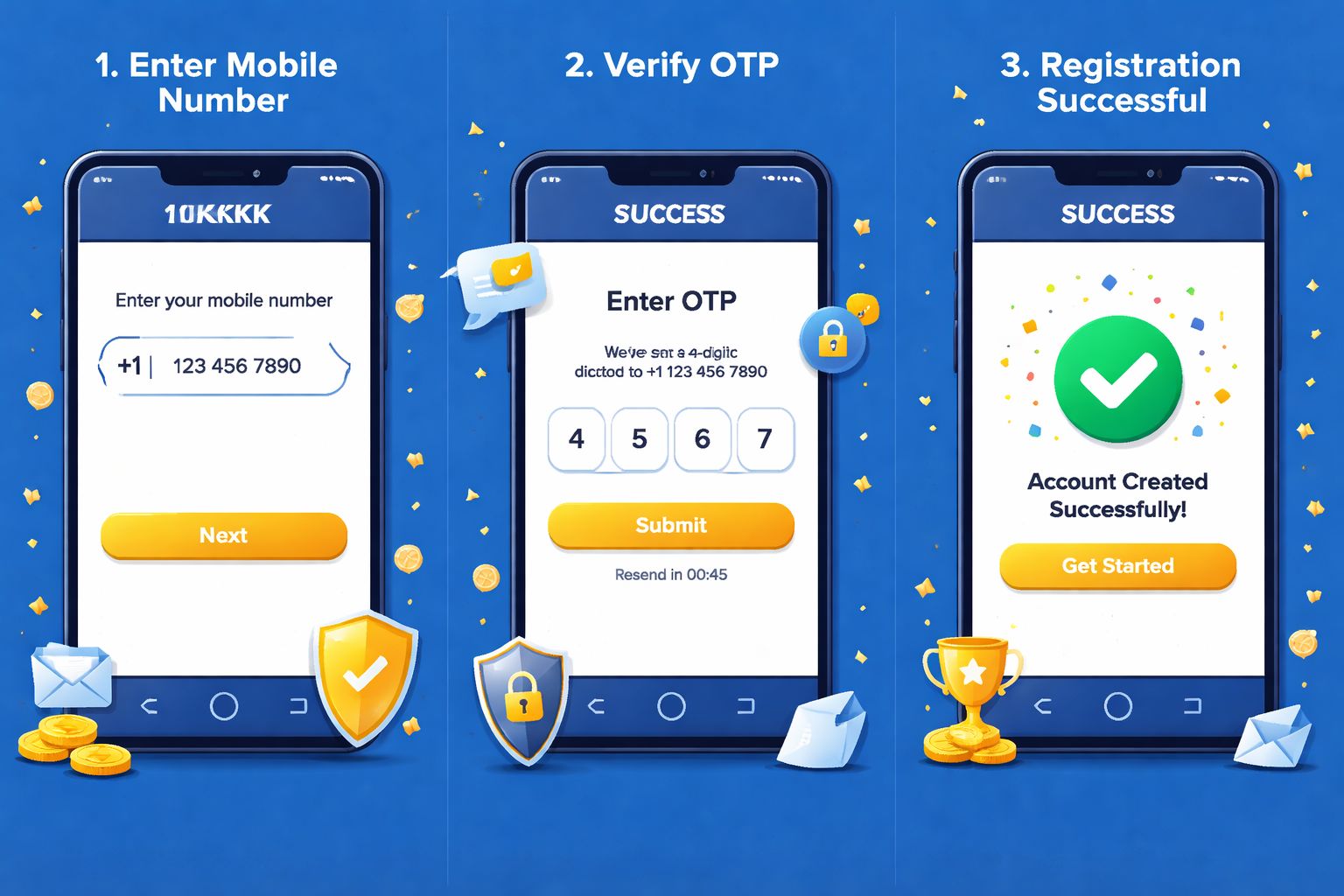
- Tap the Register button visible on the homepage or inside the mobile app
- Punch in your Bangladesh mobile number — it has to match the one tied to your bKash or Nagad wallet (this matters when you cash out later)
- Pick a strong password — a blend of letters, numbers, and one symbol works well
- Type your full name — exactly as printed on your NID
- Select BDT as your account currency
- Paste any promo code you were given — that's the trigger for the welcome package
- Confirm the OTP that lands on your phone via SMS
- Finalise — the account is now active
Once you're inside, feel free to explore the slots section before you deposit a single taka. No rush to fund anything.
Things you don't need at sign-up:
- ❌ Email confirmation (skippable, add it later if you want)
- ❌ NID upload (only comes into play before your first payout)
- ❌ Selfie or facial KYC (kicks in for withdrawals above ৳10,000)
- ❌ Proof of address (never requested during registration)
That barrier is noticeably lighter than the average Bangladesh casino I've registered with.
🔒 Keeping Your Account Safe
Your 11KKK account holds real money, so guard it the way you'd guard your wallet.
Do this:
- ✅ Pick a password you haven't reused anywhere else — mix upper case, lower case, a digit, and a symbol
- ✅ Switch on 2FA (two-step verification) in the settings menu — SMS or email codes when a new device tries to log in
- ✅ Set up biometric access inside the Android app — fingerprint or face unlock
- ✅ Sign out on borrowed devices — even a cousin's tablet counts
- ✅ Peek at your login history every month (Settings → Security → Login History)
Avoid this:
- ❌ Handing your credentials to anyone — not even close family
- ❌ Storing your password in Chrome or Safari on a shared computer
- ❌ Clicking "reset password" links you never asked for — always type the website into the address bar yourself
- ❌ Playing on café or hotel wifi without a VPN for real-money sessions — that network is riskier than most players realise
- ❌ Trusting Telegram accounts that claim to be "11KKK support" — genuine help only lives inside the app or on the site
Spotting phishing traps: if a text or email arrives saying it's from 11KKK and asks you to log in via a shortened link, read the URL carefully before tapping. The real domain is 11kkk.net — anything padded with extra words like "11kkk-promo.net" or "11kkk-signin.org" is a fake fishing for your credentials.
❓ Recovering a Lost Password
Password slipped your memory? It happens to everyone. Quickest way back in:
- Hit "Forgot Password" below the sign-in fields
- Type in the phone number you registered with
- Wait for the 6-digit SMS code
- Punch the code into the on-screen box
- Create a fresh password
- Sign in using the new one
The full loop wraps up in around 2 minutes. Codes lose validity after 10 minutes as a safety measure.
SMS not arriving?
- Double-check your phone has a proper signal (SMS needs the cellular network)
- Hold on 60 seconds and press "Resend code"
- Fall back on email recovery if you added one during sign-up
- Reach out to live chat as a last option — they can validate identity through your NID and reset the password manually
Lost the phone number entirely?
Message support with:
- Your registered full name
- A rough sign-up date
- Your most recent deposit amount plus method (bKash or Nagad transaction ID helps a lot)
- A photograph of your NID for verification
The team will manually confirm your identity and either reset the account or migrate it to a fresh phone number. Expect 24–48 hours because they're being thorough — that caution is a feature, not a delay.
📱 Phone vs Computer Access
Both channels function well. Each has its own vibe:
- Mobile browser (Chrome, Safari):
- ✅ Runs on any handset, any operating system
- ✅ Zero installation required
- ✅ Every feature is accessible
- ❌ Biometric unlock isn't available
- ❌ A touch slower than the app over 4G - Android app:
- ✅ Fingerprint and face unlock supported
- ✅ Push alerts for promos and results
- ✅ Cleaner live streaming performance
- ✅ Snappier navigation between menus
- ❌ Android exclusive (no iOS build yet)
- ❌ Needs "install from unknown sources" toggled on - Desktop browser:
- ✅ Wider display — great for tracking multiple cricket markets side by side
- ✅ Live streams shine on laptop panels
- ✅ Everything works exactly as on mobile
- ❌ No biometric option
- ❌ Not portable, obviously
Most Bangladesh players default to mobile (Android app or Safari on iPhone). I only reach for the desktop when I want to keep several betting markets open at the same time during a big match.
🛟 Help When You're Stuck
If sign-in refuses to cooperate, there are three ways to reach the team:
- 1. Live chat — tucked into the bottom-right of every screen
- Open around the clock in English and Bangla
- Reply time: normally inside 3 minutes
- Perfect for quick fixes (missing OTP, forgotten password) - 2. Email — [email protected]
- Reply window: 4–12 hours
- Best for account issues where you can attach documents
- Adding screenshots speeds everything up - 3. Official Telegram channel
- Only use the link posted on the website — anything else is bogus
- Reply time: roughly 10–30 minutes
- Handy for general chatter and community pointers
Legitimate support agents will never ask for your password. If anyone claiming to be from 11KKK requests it, cut the conversation and report them. No exceptions.
❓ FAQ
The questions Bangladesh players ask most about signing in, registering, OTP codes, and identity checks at 11KKK.
Enter your Bangladesh mobile number and confirm the OTP. The full flow lasts around 2 minutes. No paperwork required during sign-up.
Yes, up to 2 devices concurrently. Anything beyond that triggers a security prompt — you'll be asked to verify identity via SMS.
Hold on 60 seconds and press "Resend". Still nothing? Try flipping from wifi to mobile data (some routers reject Bangladesh SMS gateways). If resends keep failing, ping live chat.
Yes. Traffic is SSL-encrypted, 2FA is optional, biometric unlock is available on the app, and your login history is visible under settings. Flip on 2FA for an extra layer.
Yes, but it requires verification. Head to Settings → Personal Info → Change Phone Number. You'll receive OTPs on both the old and new numbers.
No. KYC only surfaces before your first withdrawal over ৳10,000, or if the system flags a suspicious pattern. Registration itself only needs phone plus password.
Message live chat with the request. They'll confirm your identity through your NID and process removal within 7 days. Any balance sitting in the account is returned to your saved payment method first.
The account freezes for 30 minutes after 5 failed attempts. Just use "Forgot Password" to reset — that path skips the lockout.
💭 Final Word
Registering and signing in at 11KKK is as painless as it gets for a Bangladesh-facing casino. The phone-only entry point is genuinely quicker than rival platforms that still demand email plus address at sign-up.
When something snags, live chat is your fastest lifeline. Agents respond in Bangla, and personally I've never sat waiting more than 5 minutes — even during odd hours after midnight.
Set a proper password, flip on 2FA, and load the games section once you're inside. That's the setup that keeps my sessions smooth and my account locked down tight.